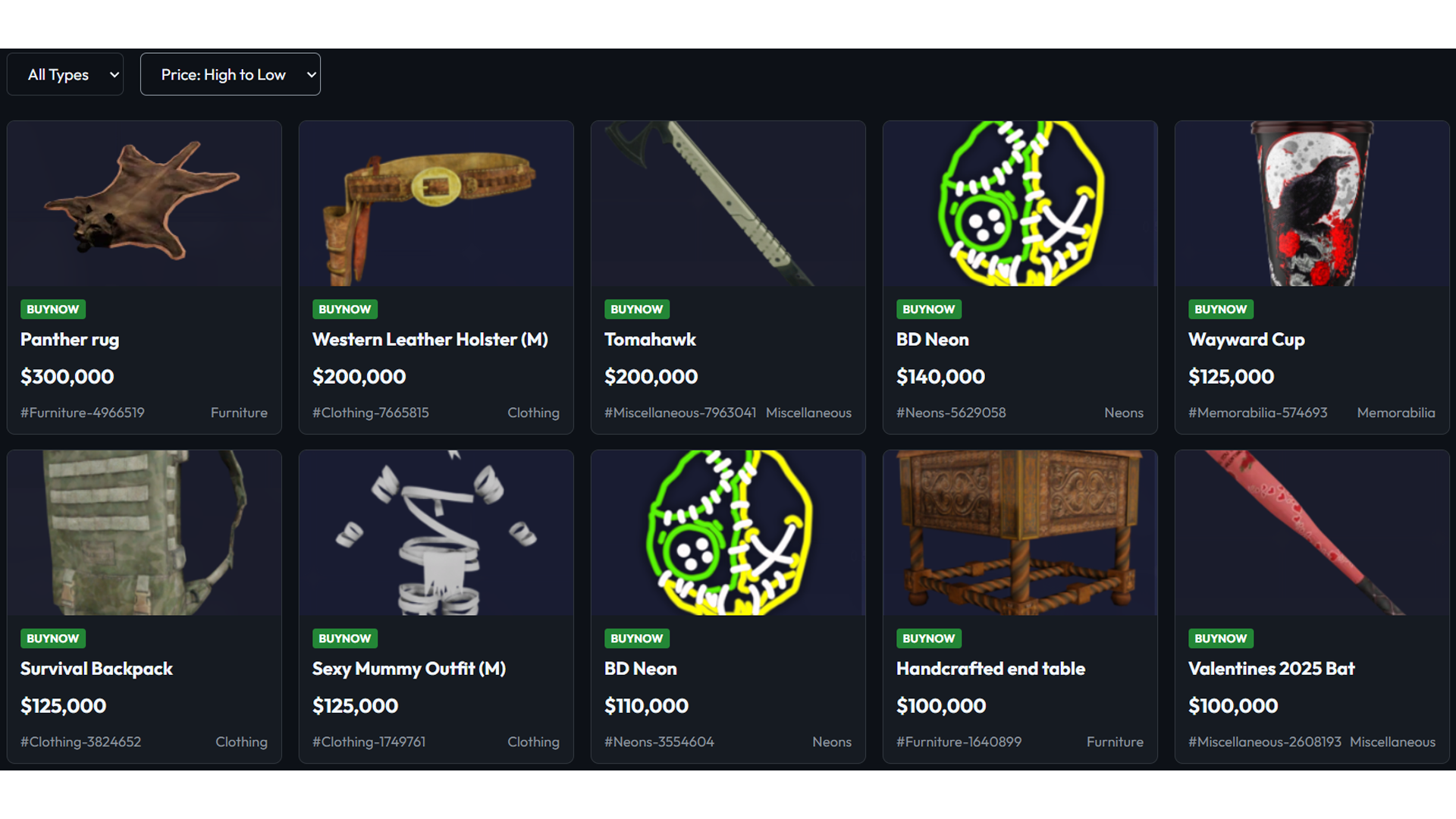
Explore the marketplace through the web portal to find the items you would like to purchase. Use the search bar and category filters to narrow down your choices.
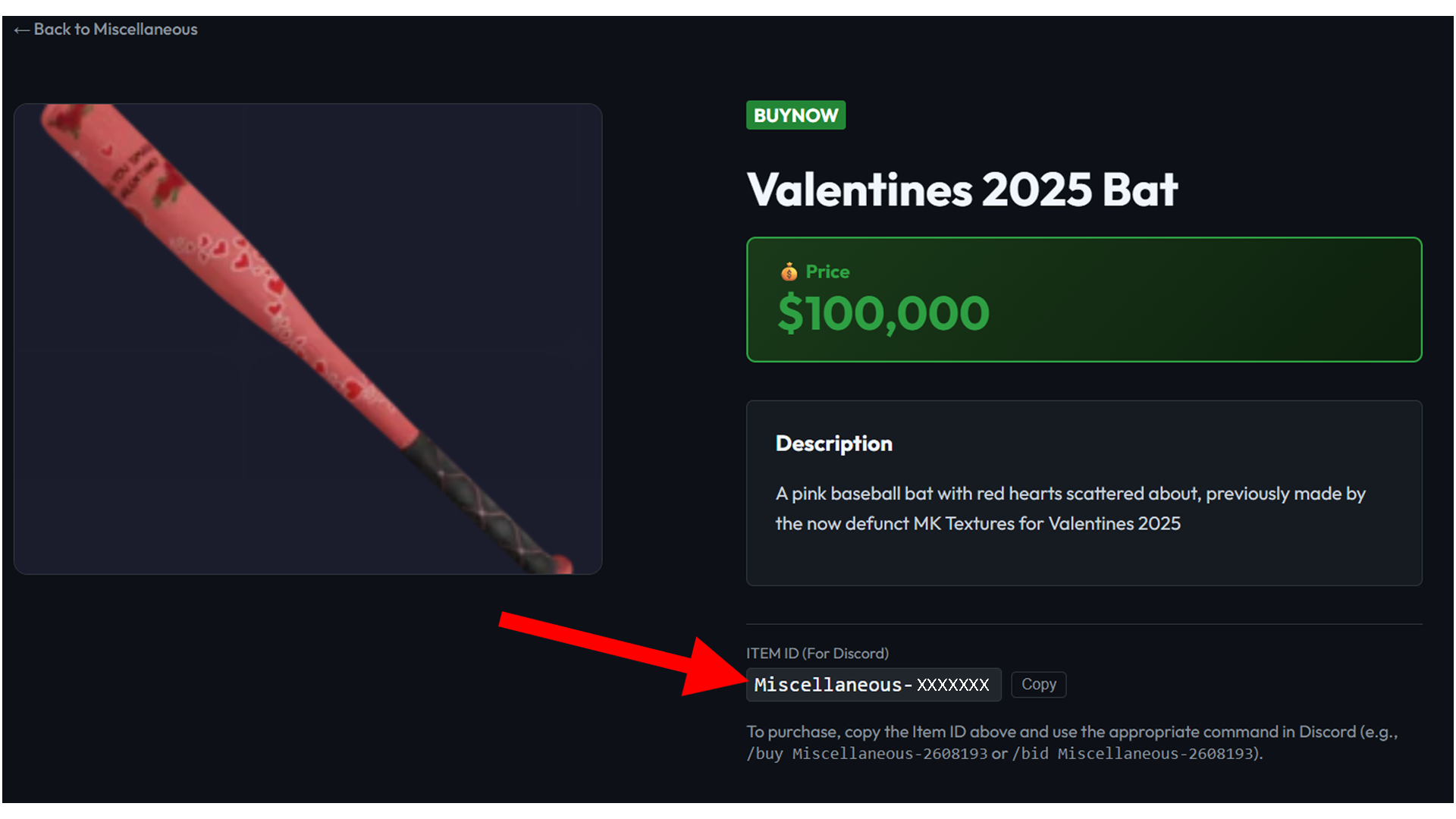
Click on the item description to see more details. This will show the Item ID, which you will need to complete your purchase.
Our official communication and transaction platform is the Email Portal (Discord). Join the portal to interact with our staff and finalize your orders.
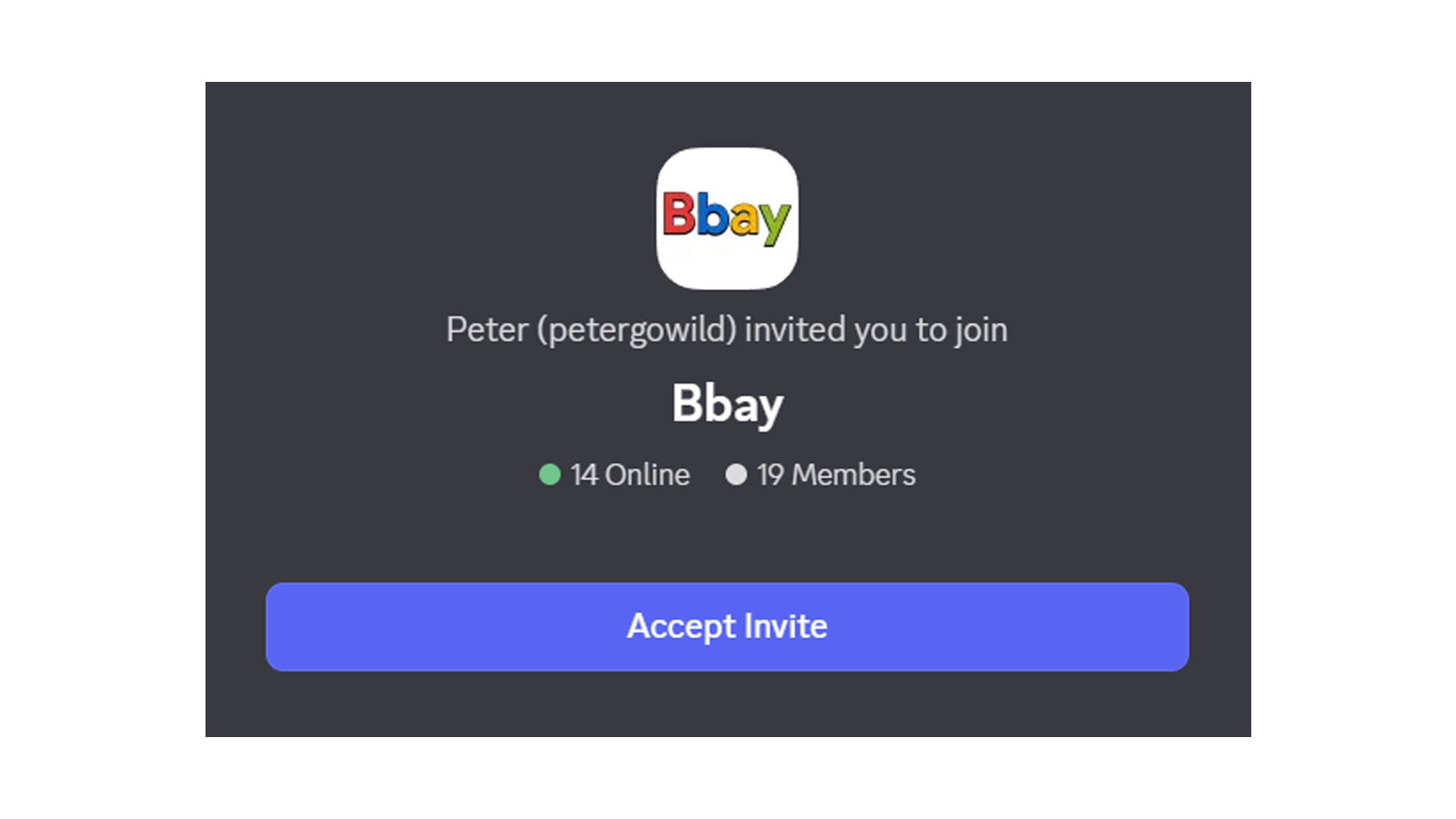
In the Email Portal, type /register and follow the automated flow to set up your
profile. Once registered, head to the Contact Center where you can use the
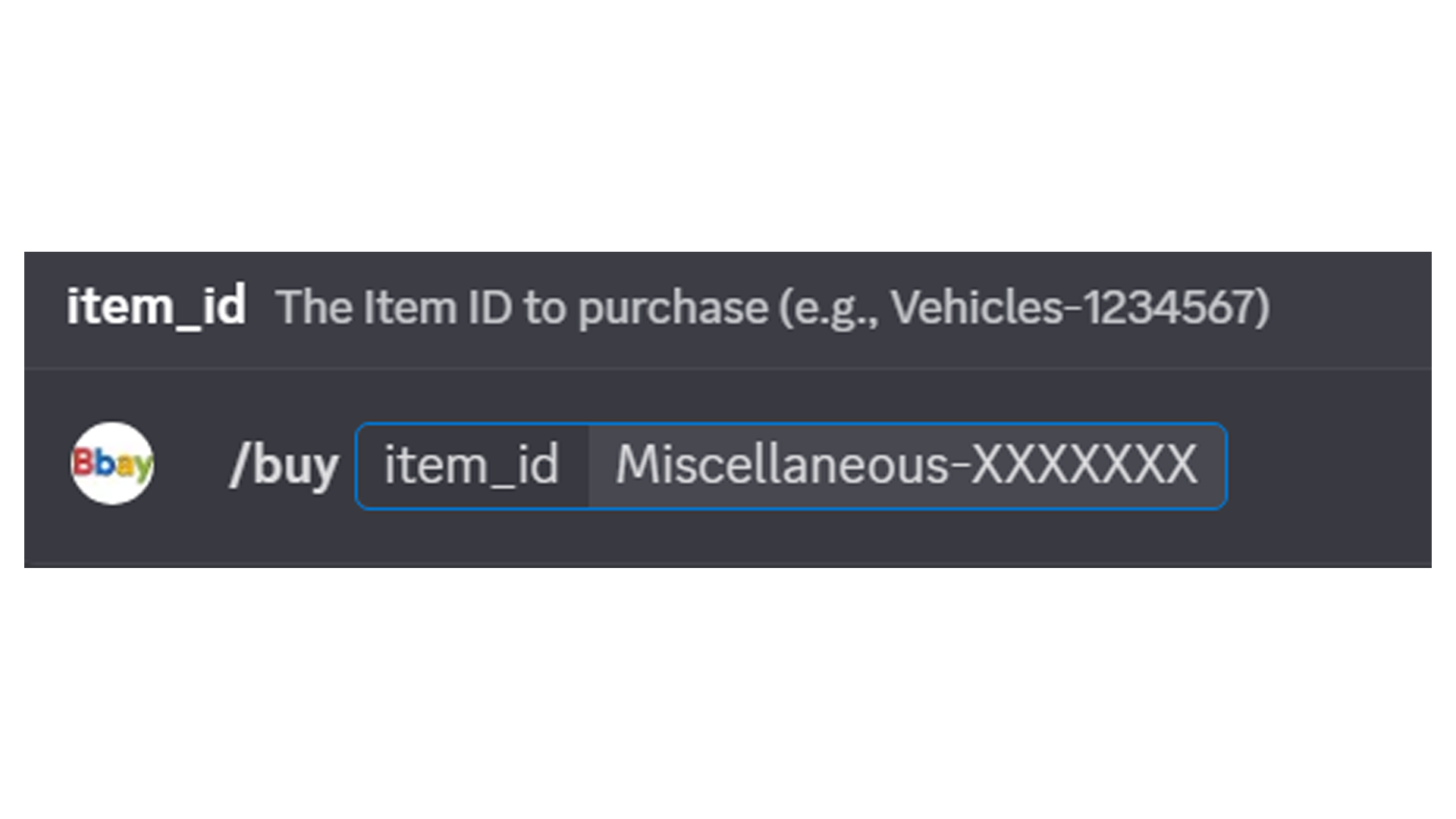
/buy or /auction commands followed by the Item ID. A member of staff will
then reach out to confirm payment and delivery of your item.